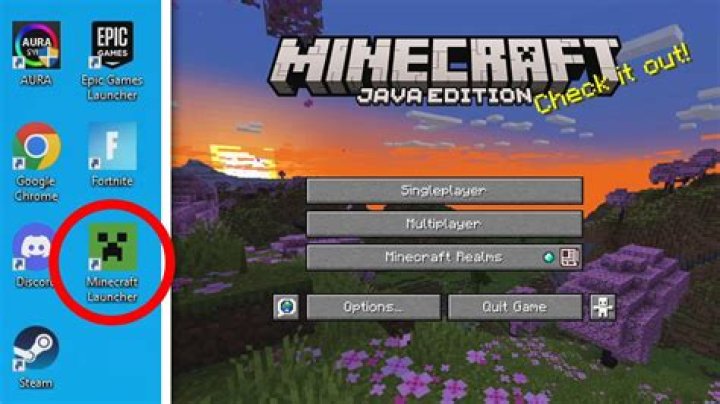
So, I currently have Minecraft: Windows 10 Edition installed on my computer, and I wanted to play the Java Edition as well.
But once I was finally able to actually get the java launcher to work, the download gets stuck at 158.39/309.57 and then an error occurs. Does anyone know how to fix this problem?
Failed to download file. Name: is_is.json URL: Error details: Operation too slow. Less than 30 bytes/sec transferred the last 60 seconds Filename on disk: 3fa5d6ee471a4b9a49cd347193dd780cd93d8331 Path: C:\Users\joesp\AppData\Roaming\.minecraft\assets\objects\3f\3fa5d6ee471a4b9a49cd347193dd780cd93d8331 Exists: File 1 Answer
For anyone encountering this problem, the solution I have found (on 2 separate computers) is to simply restart the computer.