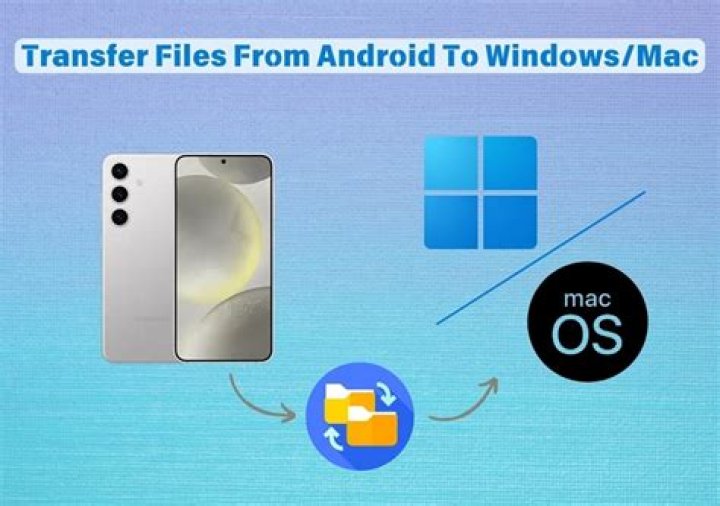

I recently got a PC better suited for games than my MacBook Air. In the process, my maps will not show up in the single player map selection menu.
I copied all of the data onto a flash drive, copied it onto the PC, installed Minecraft. The maps appear in the folders but not in-game!
No files are zipped!
What can I do to get these maps working?
3 Answers
Make sure the maps are in this folder:
Yourname>appdata>roaming>.minecraft>saves.
P.S. I also play minecraft and have created a .minecraft library for ease of access, but it is entirely up to you if you want to do this.
P.P.S. The dot in .minecraft is important, it is not a mistake. If you are having trouble finding the folder, you can also search for it but from my experience, it takes a little time.
Hope this helps, DM01131
Strange answer..
My Minecraft installer installed on my Administrator account against my will (I was using another account). Somehow the game was running from the administrator account. I don't even know how that is possible, but I managed to get a map in the administrator's folder and it works!
Sometimes when transferred a file from Mac OS and Windows, a folder or 2 is created near the front of the address. You need to check a normal path for a world you created on there, to see what is wrong on the transferred files. Sometimes it will be
Minecraft > Saves > WORLDFOLDER on Mac, but after transfer it is
.minecraft > saves > MACOS > WORLDFOLDER