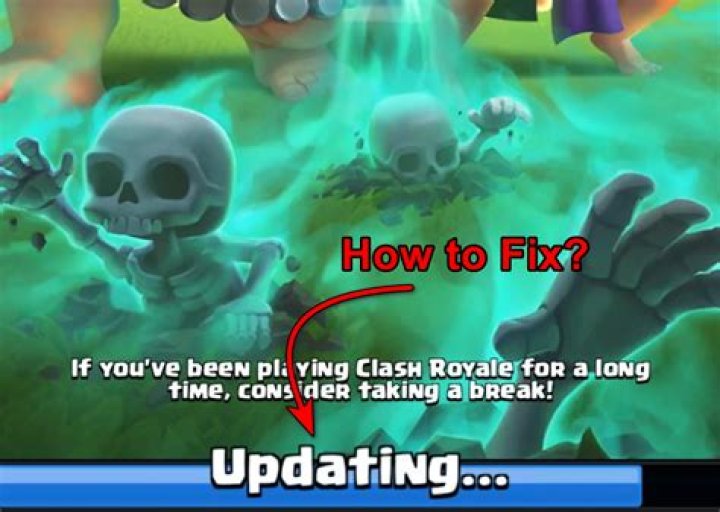

Whenever I open Clash Royale, the progress bar will stop at 50 %, and doesn't go further. I even tried reinstalling the game, but that didn't work. Can somebody tell me how to fix this tricky problem?
I'm playing on an iPhone 8.
2 Answers
Try to clear the cache for the game and then open it if not then clear the cache and reinstall ---hopes to work fine
1For iOS (expected answer) this may be found from a bug or your phone does not meet ping or quality.
Improvements/Solutions
You can clear your data from the phone, although I do not recommend deleting your game data. Restarting your phone or force stop for a few hours may help with the problem, and if these do not help, do the following:
Contact Supercell Support
Contact Apple about the game bug/leave a review on the game (There is a small chance of Supercell responding)
Common Solutions
Some common solutions to this **without deleting game data** is that you may update your phone on the App Store, or you can just uninstall the game and reinstall it back.
Conclusion
Try all these methods and hopefully one will help the loading screen load to 100% and you can start playing.